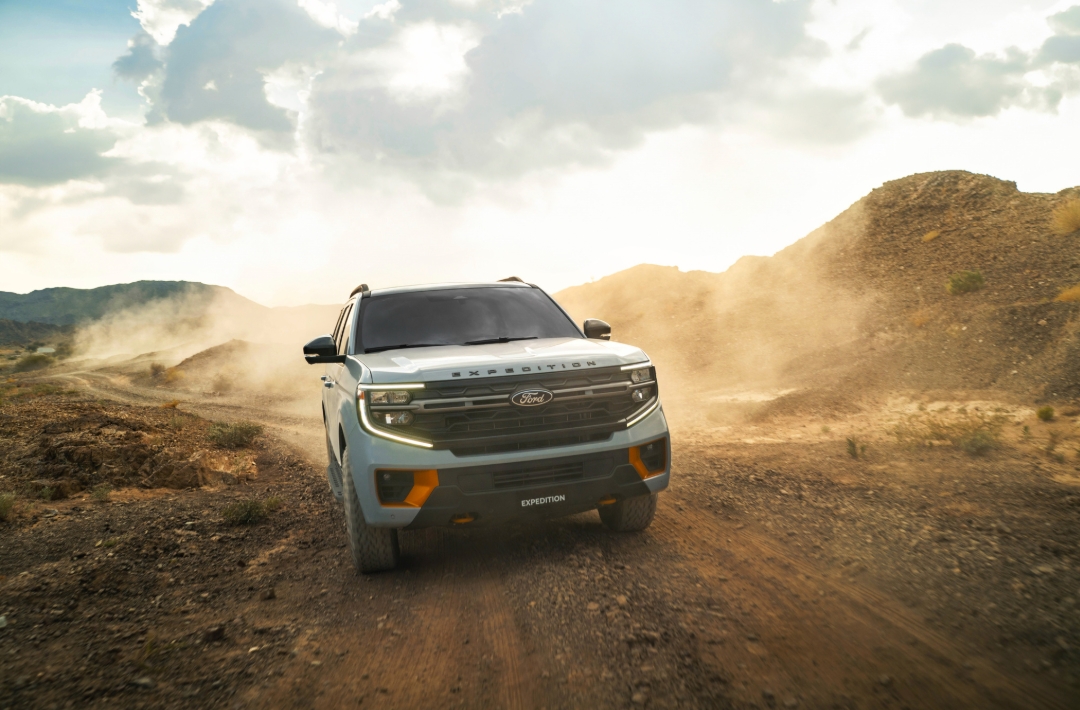
Like the Lincoln Navigator that wraps you in a wondrous dashboard screen, the Ford Expedition Tremor also has a cocooning effect. The curved screen is not quite as long but still has plenty of features designed to help you drive, keep track of key data metrics, and enjoy the experience.
Similar to the Navigator as well is the fact that you can customize the display, almost like moving your own widgets into place on a desktop screen. Thai level of customization is something I’ve been writing about for years, along with having even more screen real estate all around the vehicle. Soon, we’ll have curved screens for passengers. For now, it’s all about the driver.
The method for moving the widgets into place could not be easier. You just select the ones you want to appear in the center of the dashboard screen and that’s it. I can imagine the Ford engineers likely played around with widgets on a Mac or Windows computer.
The one I used most often was fuel economy, which is something you have to think about when testing a vehicle like this. I tested the Tremor version of the Expedition and it’s a blast to drive. Several people commented on the styling as I drove around, wondering about fuel economy.
The other widget you can use shows music playback. I liked having the ability to drop that widget onto the screen when I was listening on a longer road trip, and then switch to something else when I had passengers — especially those that don’t share my taste in The National and Manchester Orchestra.
Because the Tremor version is rigged enough to climb a sand dune, but also because I like to think that is something I would do one day, the other widget has to do with off-road status — essentially, a real-time indicator on how the vehicle is performing.
Tire pressure is another widget that comes in handy, and not just because it’s a safety issue. Some drivers who take this vehicle to do actual off-roading some day might want to lower the tire pressure and monitor traction control on sane and mud.
The gauge then can also show the towing status and trailering, although I didn’t test either of those during my week of hands-on use. For those who decide to go camping or drag a boat behind the Ford Expedition, there’s a great amount of flexibility here because you can add those widgets when you are towing and then skip them when you are driving normally.
I could see using the music widget the most often if I owned the vehicle because that is what I tend to control the most and the display changes more often to show the current song, podcast, or whatever it is you are listening to at the time.
Having a slight curve to the display is key. It creates a little more of a cocoon effect that wraps around the front portion of the dash and also shields sunshine to make the display easier to see in almost all conditions.
I see it as a major selling point to the Ford Expedition Tremor, adding flexibility and customization in ways that were not there before.