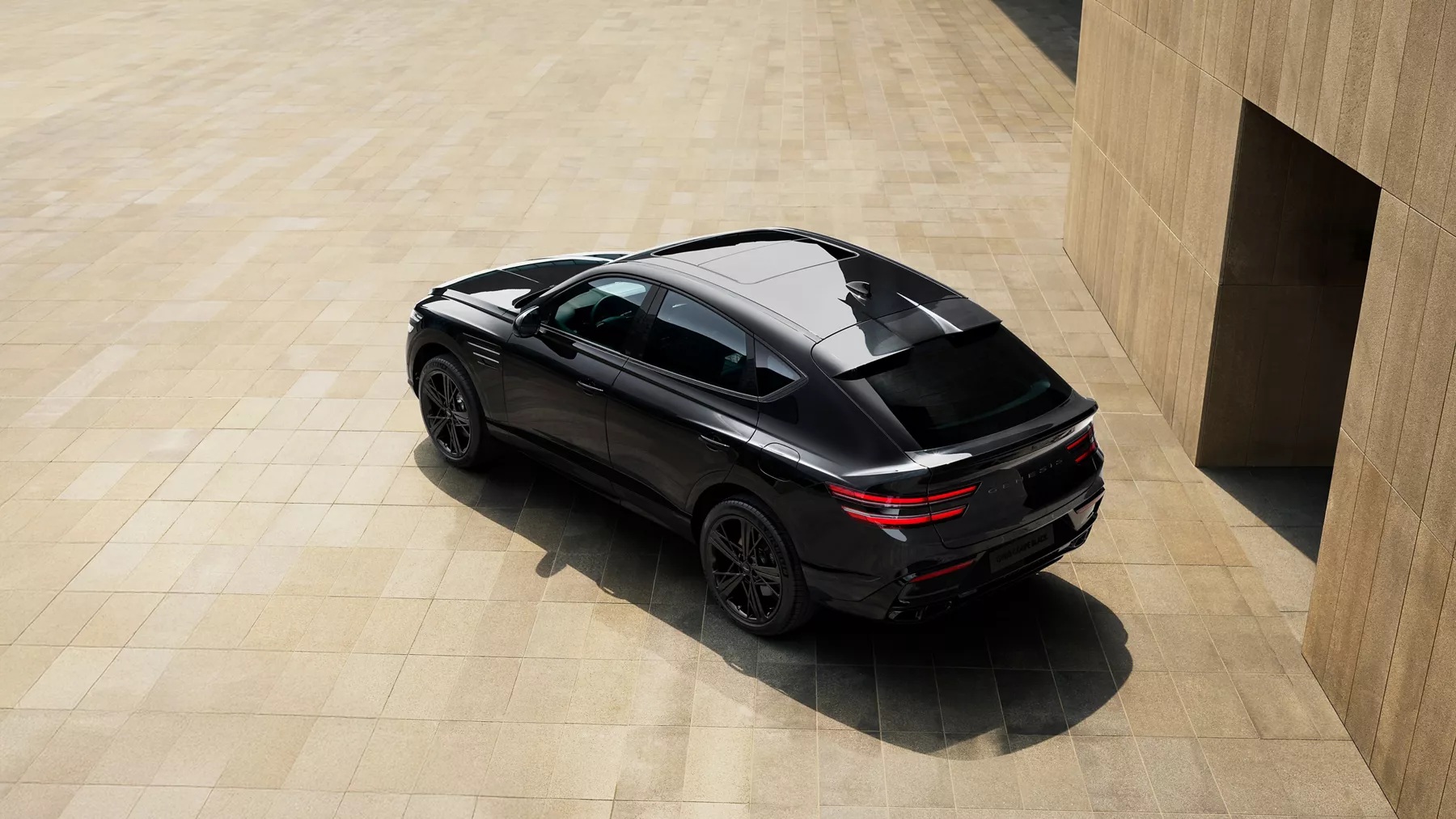
OLED displays have a calming effect on me, mostly because they are so clear, bright, and colorful all at the same time. While driving the 2026 Genesis GV80 Coupe recently, I realized this is all by design.
Genesis doesn’t bother using multiple displays in the GV80 and instead opts for one continuous screen that stretches from the driver’s view all the way to the middle of the dash. It’s brilliant because it feels like there’s a massive iPad sitting in front of you, ready for you to explore its features.
There are several perks to this 27-inch behemoth. One is that there are no bezels, so the edge-to-edge display is all color and light—no hard edges or black framing. OLED technology means no glare, as well as deep, rich blacks, since OLED panels can actually turn off individual pixels as needed. When an OLED looks black, it’s because there is absolutely no light. It literally is black.
The screen is split functionally into three distinct sections:
- Driver Display: Speed, tachometer, drive mode graphics, and active safety (ADAS) status.
- Dynamic Center Zone: Surfaces context-sensitive information like 3D turn-by-turn navigation prompts, camera views, or system alerts without forcing you to look over at the far side of the dash.
- Infotainment & Media (Right): Handles full-screen navigation maps, wireless Apple CarPlay/Android Auto, media playback, and vehicle settings.
That’s highly logical and makes total sense, but the overall impact on me as I drove along is that it just felt peaceful. It’s almost like the difference between watching a movie on one massive television at home versus trying to watch a movie split across three different computer monitors. (By the way, for those of you who think you are more productive with multiple displays, here’s a tip: the human brain can only focus on one thing at a time, which is why I have always just used one large monitor.)
Thankfully, not everything you see requires touch. The display system is also split across three different paradigms for control:
- Direct Touch: Capacitive touch across the entire panel.
- Interactive Genesis Controller: A glass-like rotary dial on the center console that supports swipe gestures and handwriting recognition (so you can trace letters to spell out a destination).
- Physical Climate & Volume Dials: Secondary physical knobs and a dedicated lower HVAC panel remain intact below the screen, keeping primary controls accessible without taking your eyes off the road.
I loved those distinctions, and they really helped me drive more intuitively without distraction. The UI is almost perfect because the OLED screen itself is almost perfect. For me, it meant the entire experience of testing the GV80 was more fluid, dynamic, and calming.