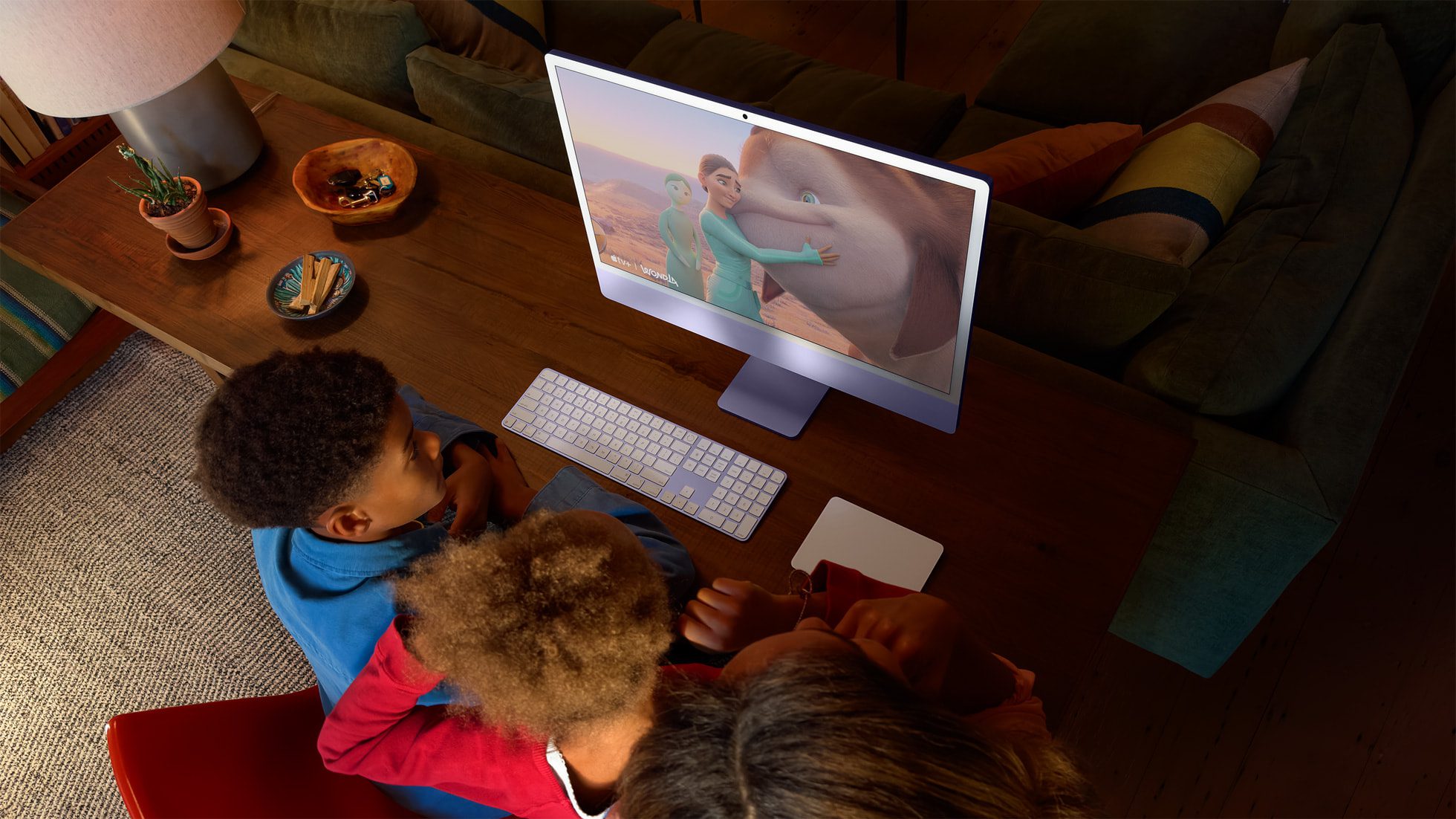
I love when a piece of technology just works. It blends into the background so I can write, surf the web, and do my taxes without interruption or distraction. Recently, I tested the Apple iMac 24-inch with the M4 processor, equipped with 24GB of RAM, and loved every minute.
Apple announced this machine last year and said the performance is 1.7-times faster than previous gen, and I could feel it right away in my daily routine. I used Google Docs all day but have to routinely edit video clips and photos as well.
I use Adobe Lightroom for most of my editing chores. I’m an avid photographer and volunteer to do photos at quite a few events in my community. I won’t claim to be a professional photographer but I do have aspirations to move into fine art photography someday.
The Apple iMac is up to the challenge. In Lightroom, the speed was noticeable even to my unskilled eyes, importing the images and allowing me to do edits quickly without any lag. The machine excels at video editing as well. I noticed the 24GB of RAM was really important when I took some AI-generated clips from Google Veo 3 and added a few sound bites of my own.
Apple iMac: Design
I liked how the iMac sits on my desk with a built-in stand, never jostling around. Apple obviously has learned a few lessons over the decades about weighting the machine to sit firmly, but it’s surprising how many other computer manufacturers don’t understand this. They design their computers using specs that people want but forget the physical design is just as important.
I loved having so many USB-C ports in the back. I connected an Anker Prime Docking Station to one of the USB-C ports and then had even more ports available for an iPad stand, a cord to charge my mouse, and a way to connect my USB keyboard.
The screen is fantastic. Clear and bright, a great ally in my writing and photo editing because everything looked crisp — again, the surprise here is that I have tested other all-in-one desktops and the screen looked a bit dull and lifeless. I enjoyed editing photos on a screen that made them pop with vibrant colors. There’s a new nano-texture glass finish to reduce glare as well.
Apple iMac: Performance
I mentioned a noticeable bump up in speed for this machine and how the 24GB of RAM really helped me in a creative workflow. In testing the machine, a few other perks emerged.
One is that this Mac supports Apple Intelligence in apps like Pages that help you craft text or do research. I don’t actually use AI in my own writing, but I could see someone in a role where they need to craft social media captions relying on Siri and Apple Intelligence on a daily basis.
The webcam is noticeably better. During several video chats using Microsoft Teams, I could tell my own visage looked clearer than even the video feed on my own (older) MacBook. The 12-megapixel camera upgrade in this desktop is complemented by a better three-way microphone and sound coming from six speakers. Those speaking in a meeting sounded particularly more resonant and clear than what I have heard on previous desktops.
Apple iMac: Price
What else is there to love? Right now, the price on Amazon is pretty compelling at $1,348.50 which is 10% off the usual price. A few other things to mention if you need any convincing to jump on this one. The M4 base model now comes with 16GB of RAM, so the 24GB upgrade is just one step up from that. Let’s face it, 8GB is not enough.
The desktop comes in a bunch of vibrant colors including green, yellow, orange, pink, purple, blue, and silver. There’s no question this is a seamless, powerful piece of computer tech. It’s an all-in-one desktop that will blend right into the background so you can focus on work.
Gearadical uses affiliate links in our review so we may receive a small payment if you click and buy from the links provided.