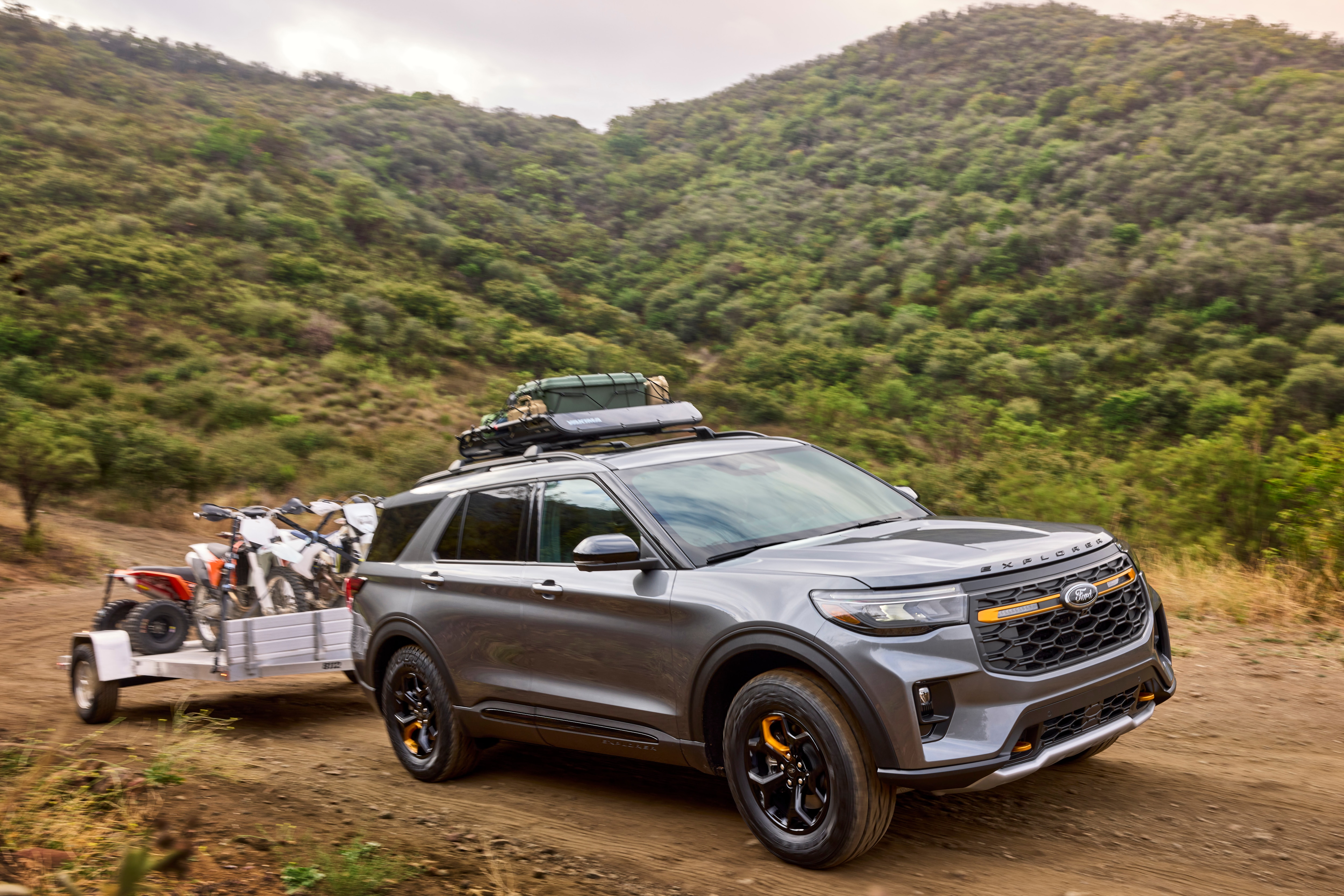
Sometimes it’s hard to pick a single feature that stands out on a vehicle. It might be something related to safety or even the exterior design. Often, there’s one subtle perk that hits me right at the end of my testing period. With the 2026 Ford Explorer Tremor, however, it was a feature I noticed the second I first climbed in and turned on the ignition, greeting me in a way that was impossible to miss.
The bright and colorful dashboard—known as the Digital Instrument Cluster and measuring 12.3 inches—sits right above the steering wheel. It is so vivid and crisp that it makes the entire driving experience more enjoyable. There are no analog dials, and the screen is so bright that you can’t help but stare, especially at the 3D render of the Tremor itself.
I liked scrolling through the options, which felt almost like flipping through apps on an iPad. When you scroll through the drive modes, the animations are some of the best I’ve ever seen. Part of Ford’s Terrain Management System, modes like “Trail” or “Deep Snow/Sand” look so vibrant and highly animated that I found myself just flicking through them for fun.
You can also view pitch, roll, and power distribution for each mode to help you plan your trips. This is incredibly useful if you actually head to a campsite or decide to do some off-roading. I say “light” off-roading because I can’t imagine most people using the Tremor to conquer slippery rock formations or mud-encrusted embankments in a vehicle that costs well north of $55,000 (the Tremor trim actually starts around $55,000 before options and destination fees).
As is usually the case, I imagined some future drive 20 years from now where someone might use these terrain modes for hardcore off-roading. For now, it’s just reassuring to know they are there.
Of course, the dash also shows plenty of other data. I discovered that navigation maps can pop up right in the cluster above the steering column, where it’s far easier to keep an eye on your turns and spot landmarks. Thanks to the Ford Digital Experience software system, both Google Maps and Apple Maps can display directly on the cluster.
In my other role, I review soundbars and audio equipment, and I couldn’t help but feel like Ford took some inspiration for the cluster from home entertainment. The display itself is phenomenal, and it is beautifully accented by a textured fabric wrapping across the dashboard.
There’s also a massive 13.2-inch center touchscreen where I immediately enabled Apple CarPlay, as is my usual process. I used my iPhone 17 Pro, which connected seamlessly via Wi-Fi and Bluetooth (wireless CarPlay requires a Wi-Fi connection to transmit map data, not just standard Bluetooth). There’s a distinct sense with the Explorer Tremor that you are operating a digital cockpit that has arrived from the future, though it does take a minute to get used to the layout. Do I wish some settings were still analog, especially those for the climate control? Yes, for sure. Do I think companies like Ford and Chevrolet will ever go back to analog buttons? Not really.
Once you do get used to the controls, they are intuitive and easy to find. I just had to wrap my head around the sliders, digital knobs, and adjustments that were all housed on the screen.
Ultimately, I really felt the best feature is simply those animated graphics. They not only look incredibly cool, but they also offer great functionality that helps you seamlessly select your drive modes. They certainly helped me.